A formula table calculation computes this without hand-written SQL — see the percent-of-total example:
=revenue / SUM(revenue) * 100.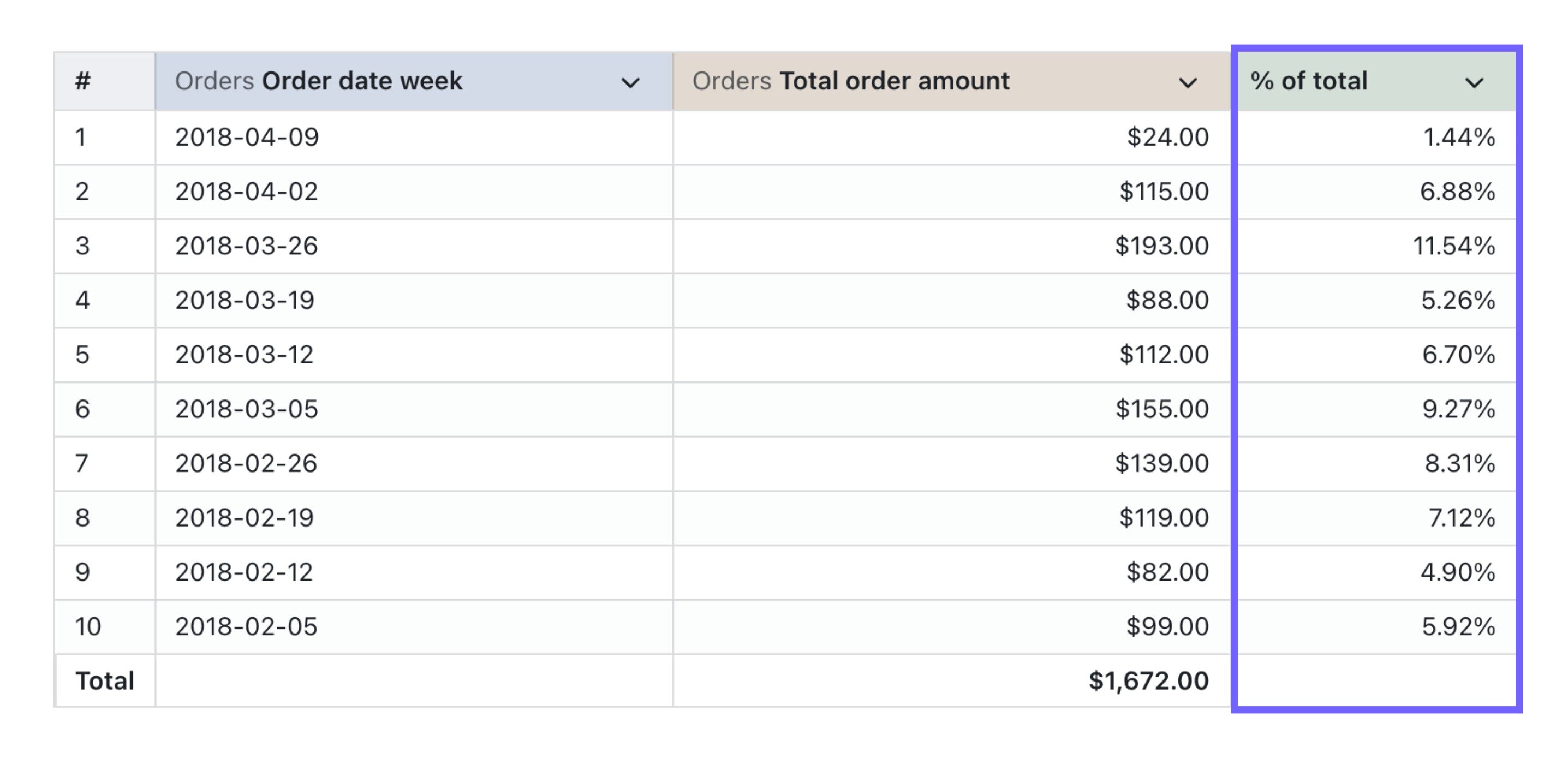
column_i_want_to_see_the_percent_of_total- this is the column that you want to see each value’s percent of the total values in that column
Here’s the SQL you can copy-paste to calculate the percent of the column total
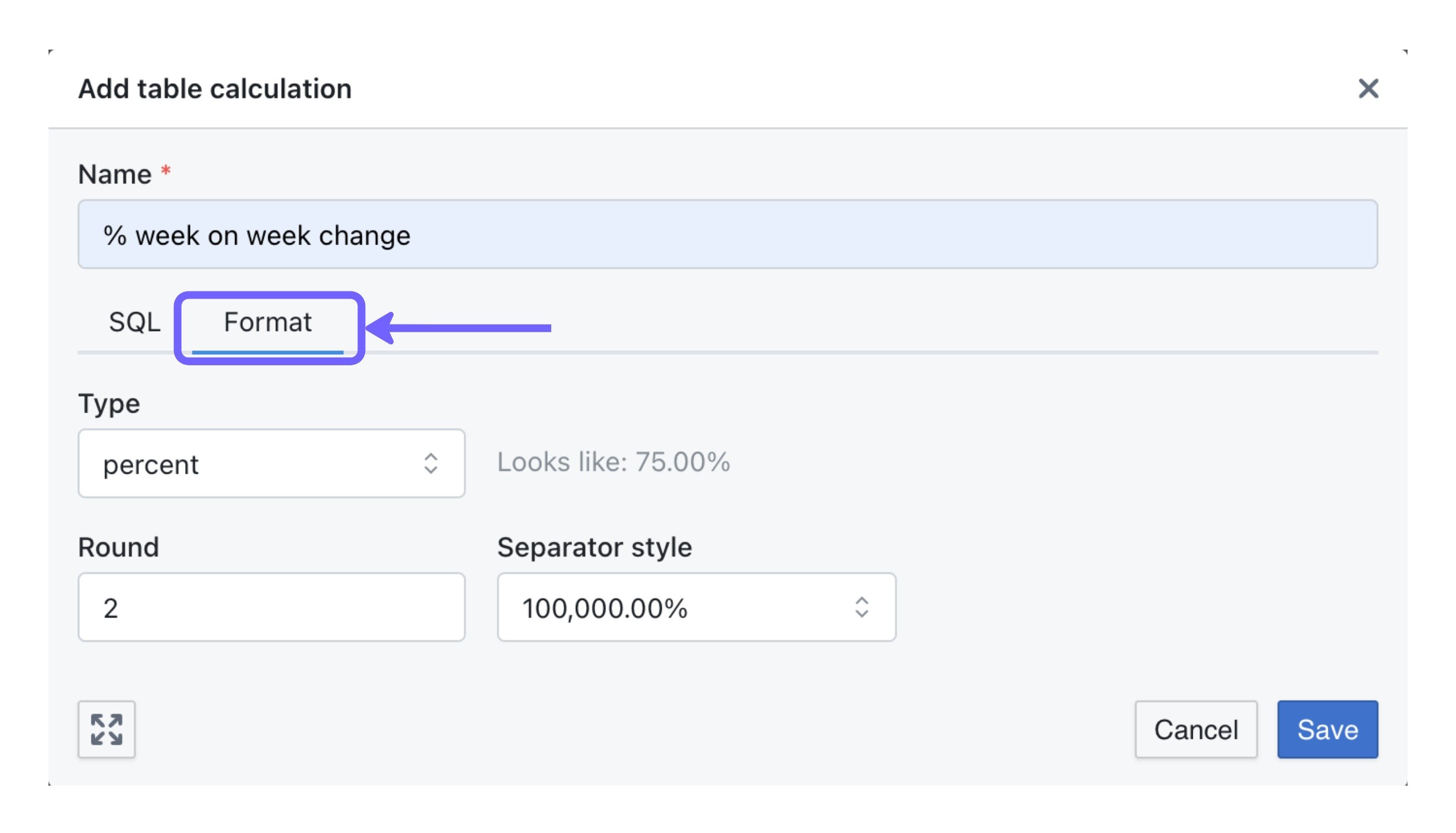
Make sure to add percent formatting to your calculation
In theformat tab, make sure to update the format to percent so that your table calculation is shown as a percentage value (instead of a number).